Garmin Varia radar on your phone — and one radar that warns the whole group
A Garmin Varia rear radar talks to your phone over Bluetooth — no Edge head unit required. Domestique Hub shows every car it sees on your ride screen, and on a group ride it does something a bike computer cannot: one radar anywhere in the group warns every rider in it.
What you see
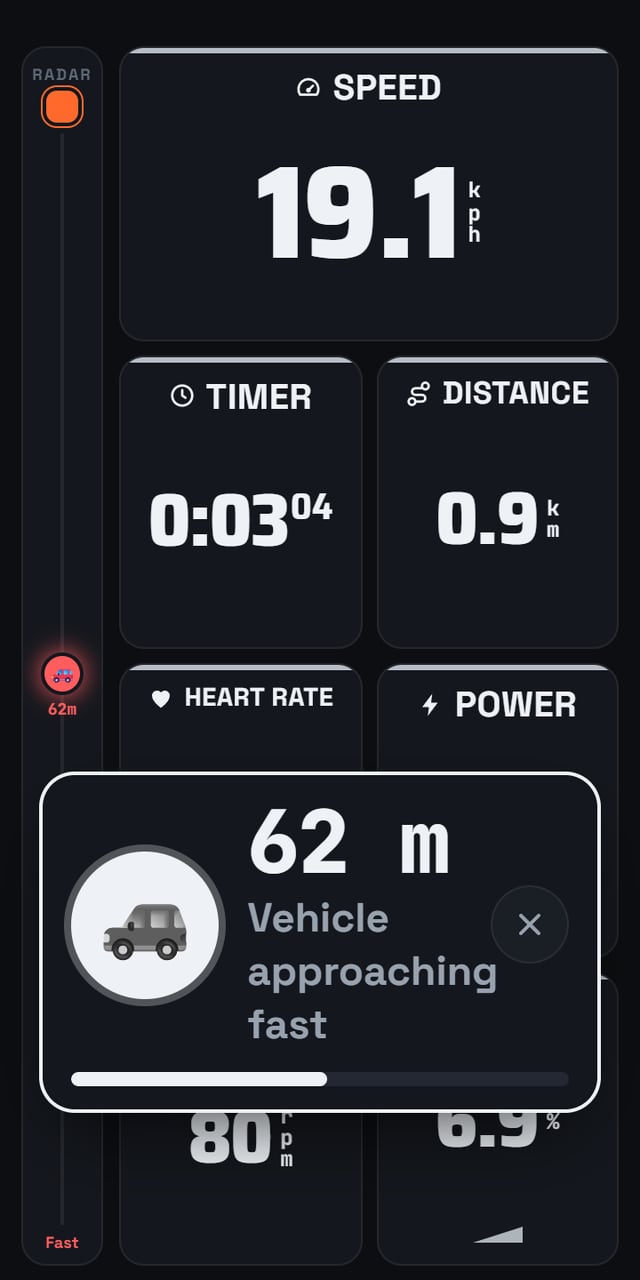
- The radar rail. A strip down the edge of every ride page with each vehicle the radar reports placed by its distance behind you, and the nearest one's metres beside it. It turns red when the radar rates a vehicle as approaching fast. With nothing behind you it says Clear — and that word only appears while a radar is actually watching, so "clear" never means "no radar connected".
- The banner. The moment a vehicle appears, a banner with its distance comes up over whatever page you are on, with a bar closing as it gets nearer. The × dismisses it.
- A chime. When a vehicle first appears, and again if it escalates to approaching fast — so you hear it without looking down.
One radar warns the whole group
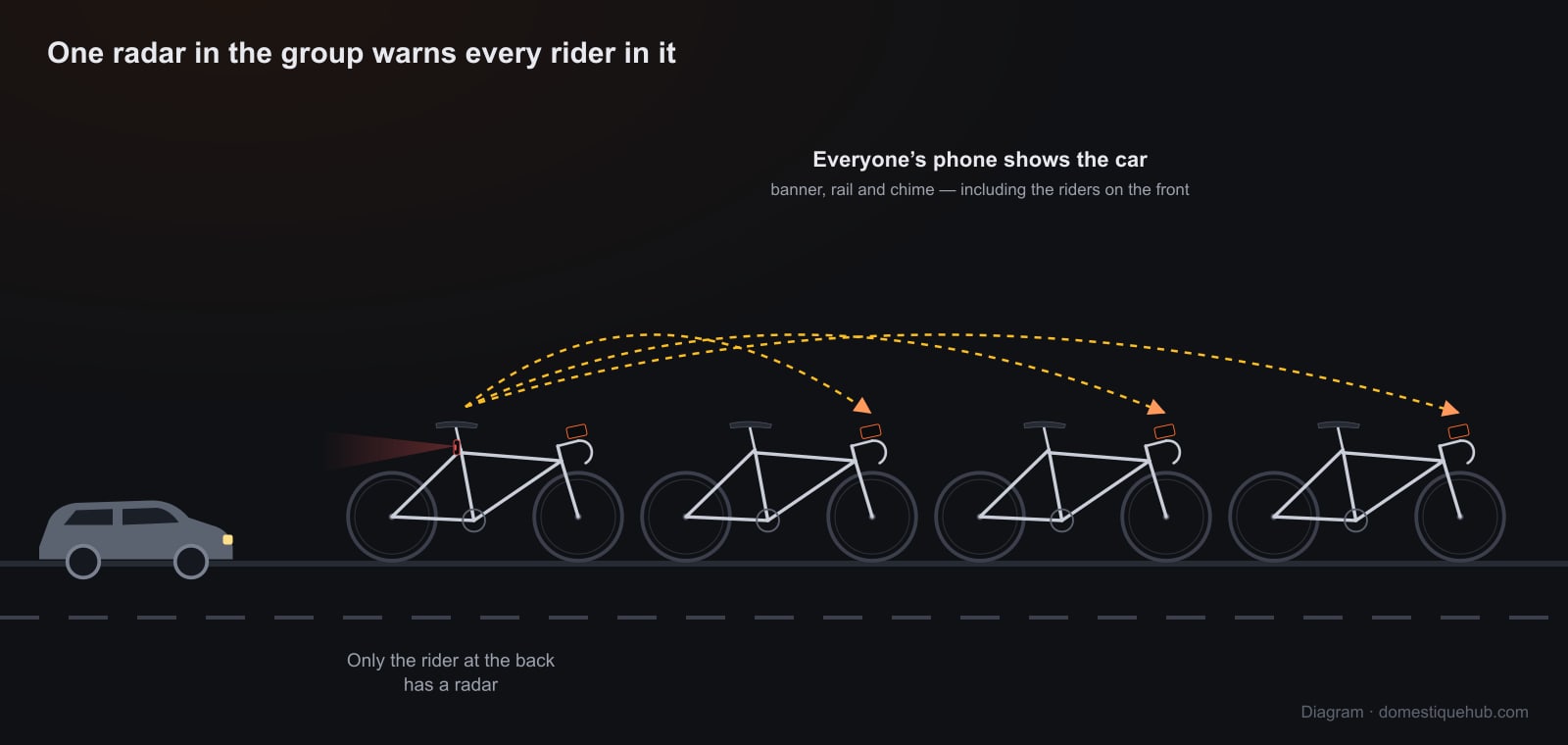
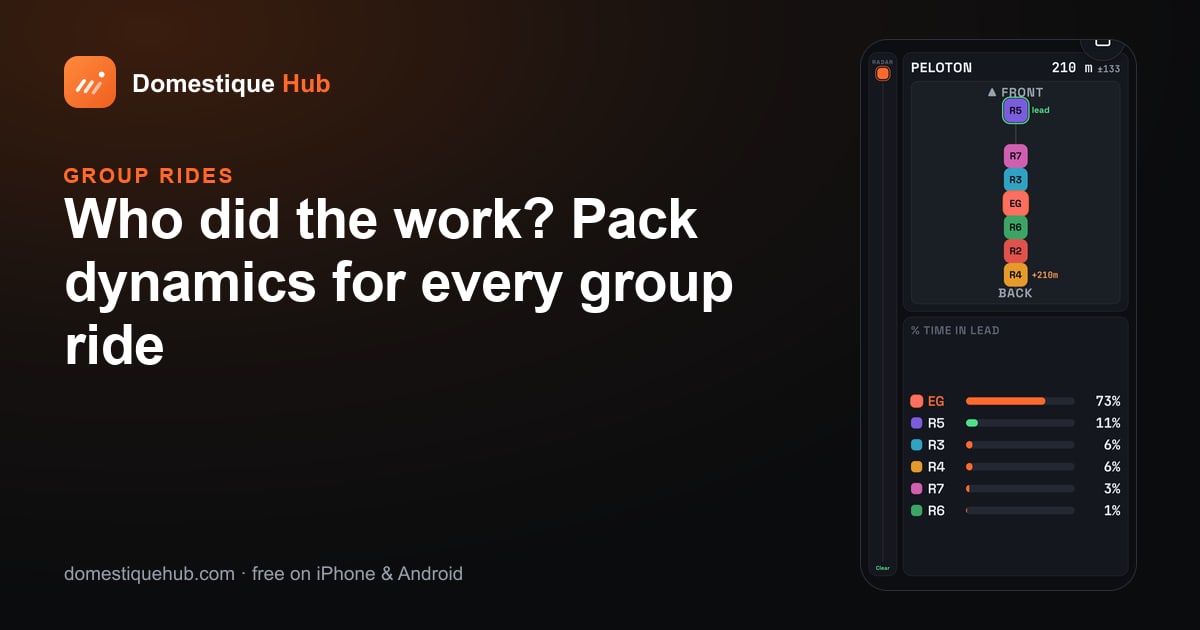
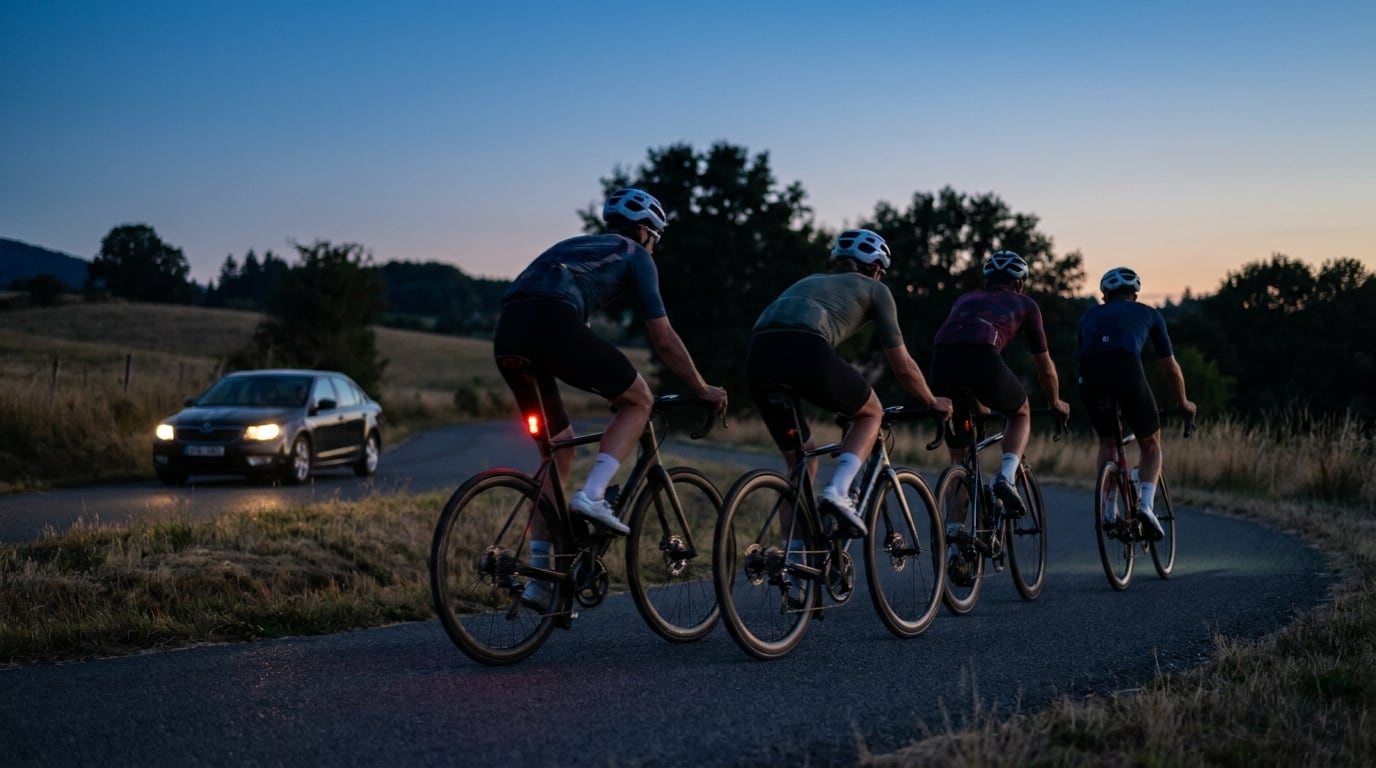
On a live group ride every rider's phone shares what its radar sees. The app takes the most urgent reading in the pack — the nearest vehicle, the highest threat — and shows it on everyone's screen. The rider at the back usually sees the car first; now the rider on the front, who would otherwise never know until it is alongside, gets the same warning at the same moment.
That means a club does not need a radar on every bike. One on whoever is at the back of the group is enough for all of you.
A radar that is quiet is not disconnected
A Varia sends nothing at all until there is something behind you. For a few weeks the app treated that silence as a dropped link and reconnected every fifteen seconds, so on an empty road a car could arrive between reconnects and meet "Radar disconnected". That is fixed: a radar is never reconnected just for being quiet. If a link genuinely drops, the app finds the radar again on its own while you ride.
Which radars work
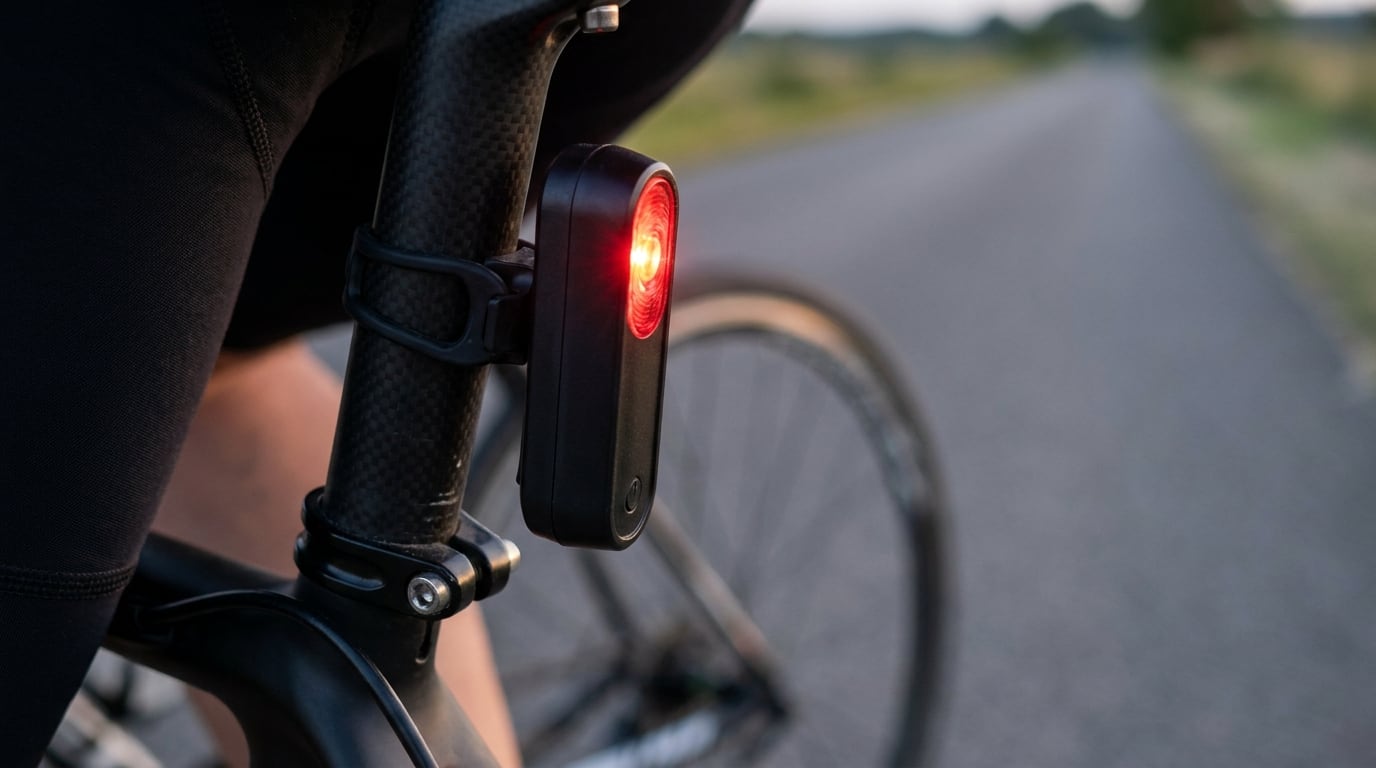
Garmin Varia rear radars that broadcast over Bluetooth, and compatible units. The app shows each vehicle's position behind you and the radar's own threat level; it does not show a closing speed in km/h.
Setting it up
- Switch the radar on.
- In the app's Live tab, tap Pair a component and choose your Varia.
- Start a ride. The radar is remembered and reconnects by itself next time.
The radar appears on rides only. A run, the treadmill and the escort car have no radar tile, banner or chime, because a field with nothing behind it reads as a sensor that has failed.
Radar alerts help you notice approaching traffic. They do not replace looking behind you and are not a collision-avoidance system.
Add a camera
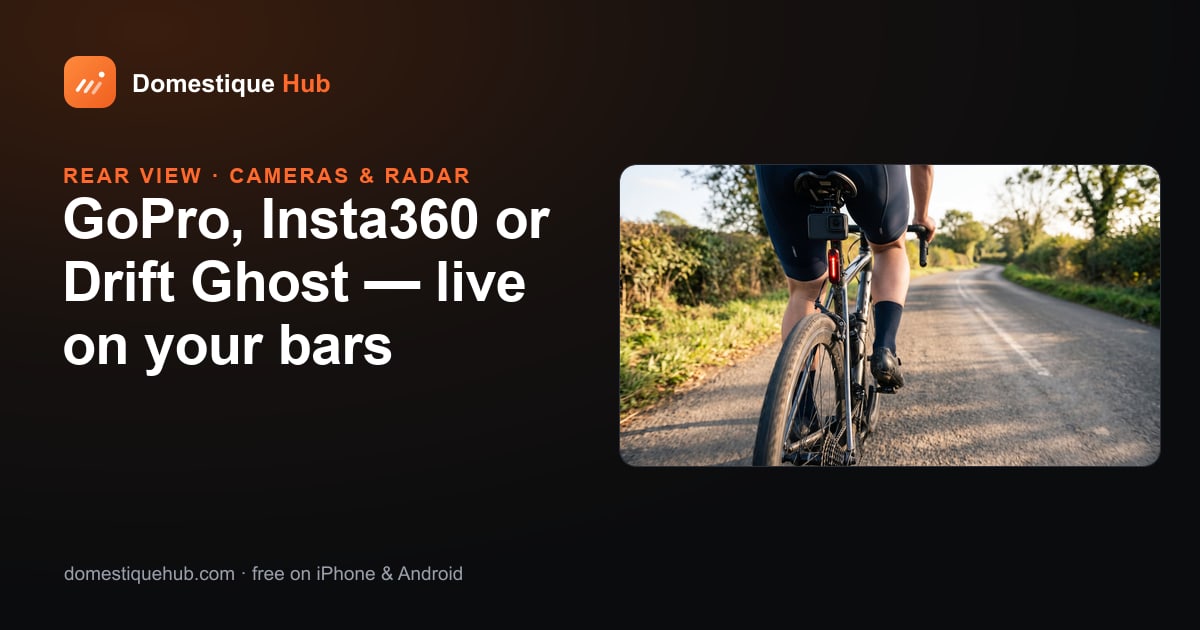
A radar tells you something is coming; a camera shows you what it is — a bus, a tractor, a club-mate bridging across. Put a GoPro, an Insta360 or a Drift Ghost under the saddle and its live view sits on the same screen as the radar rail. For the group side of this, see pack dynamics.
Questions riders ask
- Can I use a Garmin Varia radar without a Garmin Edge?
- Yes. Domestique Hub connects to the Varia over Bluetooth from your iPhone or Android phone and shows approaching vehicles on the ride screen.
- Does every rider in the group need a radar?
- No. On a live group ride every phone shares what its radar sees, so one radar anywhere in the group — usually at the back — warns every rider.
- Does the app show the car's speed?
- It shows each vehicle's distance behind you and the radar's own threat level (approaching or approaching fast), not a closing speed in km/h.
- Will a quiet radar be shown as disconnected?
- No. A Varia sends nothing until there is a vehicle behind you, and the app never treats that silence as a dropped link.