Escort mode: the team car follows the group, and the group’s positions follow the car
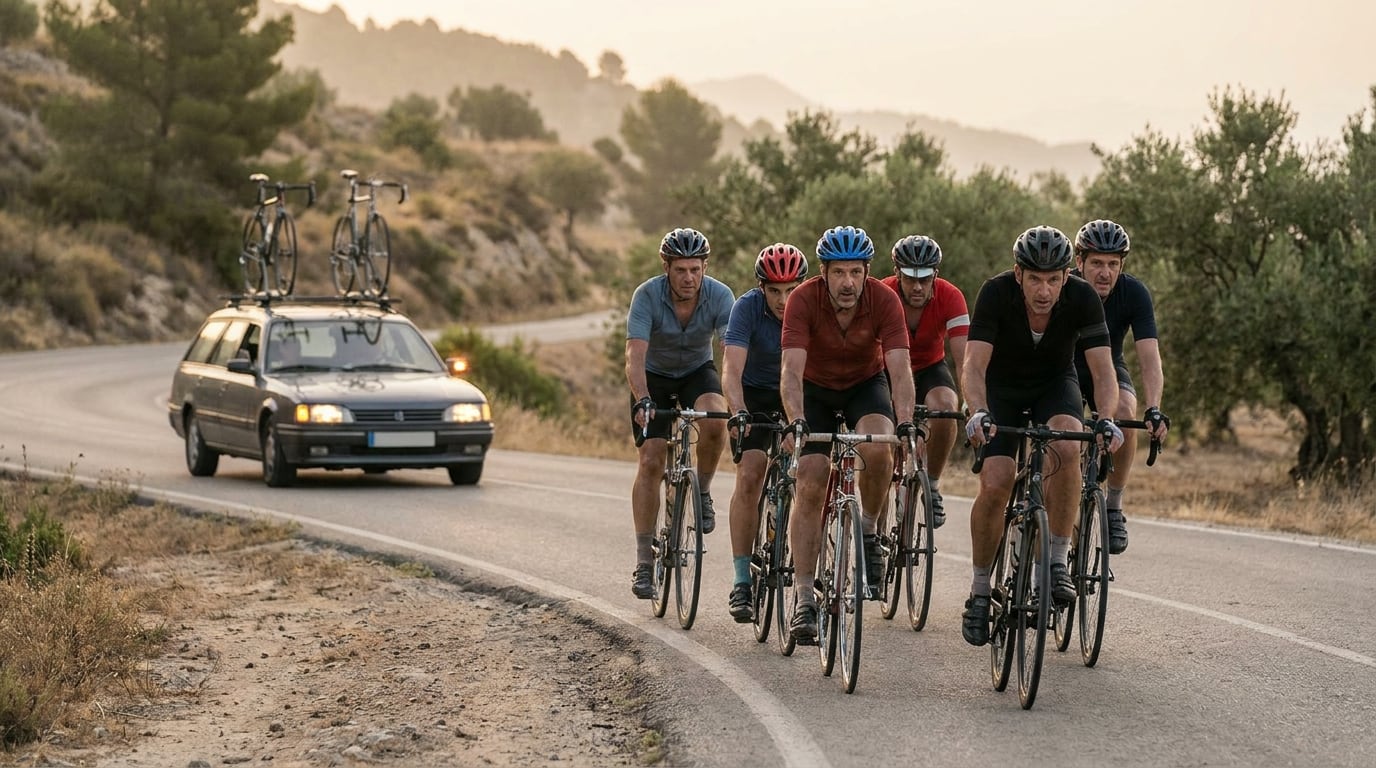
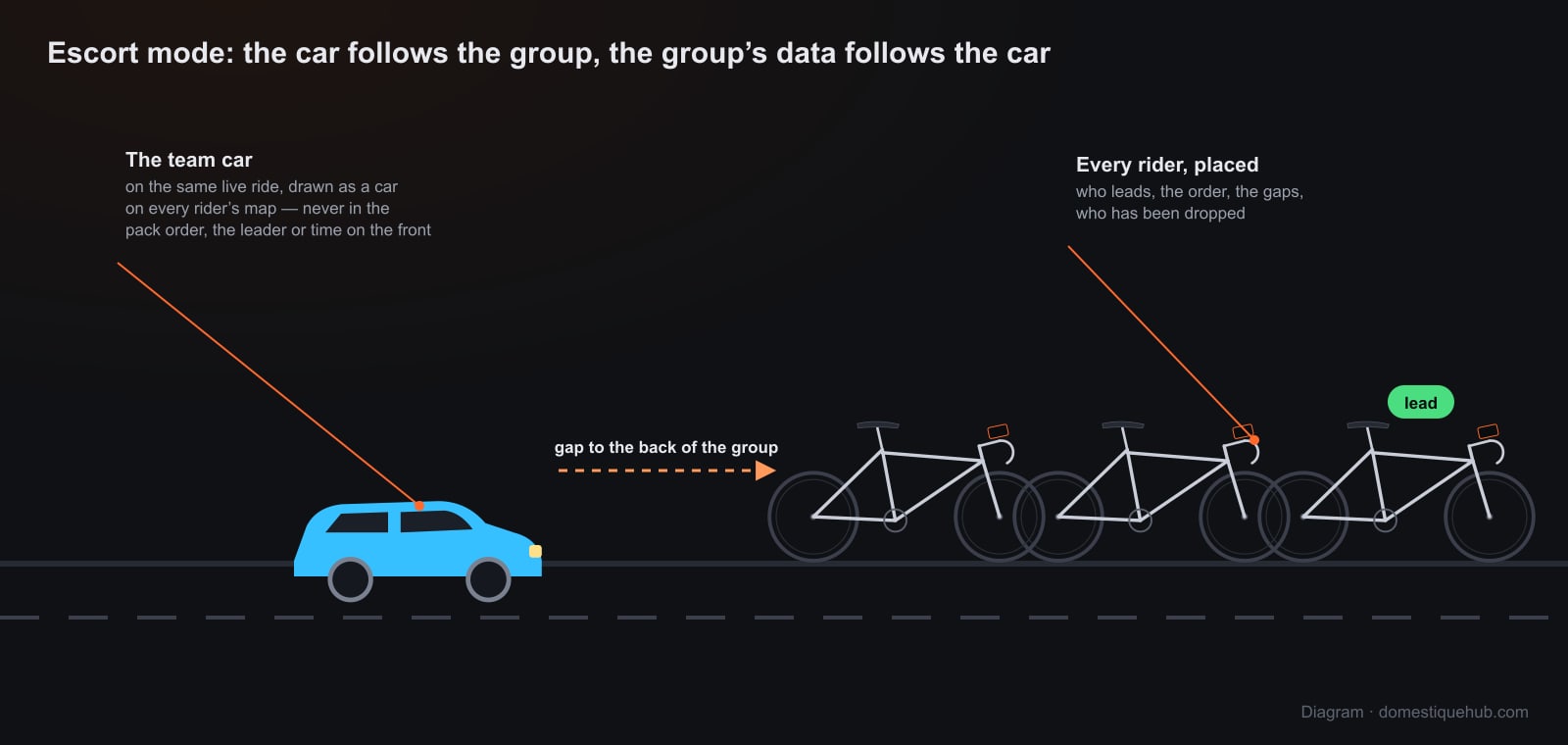
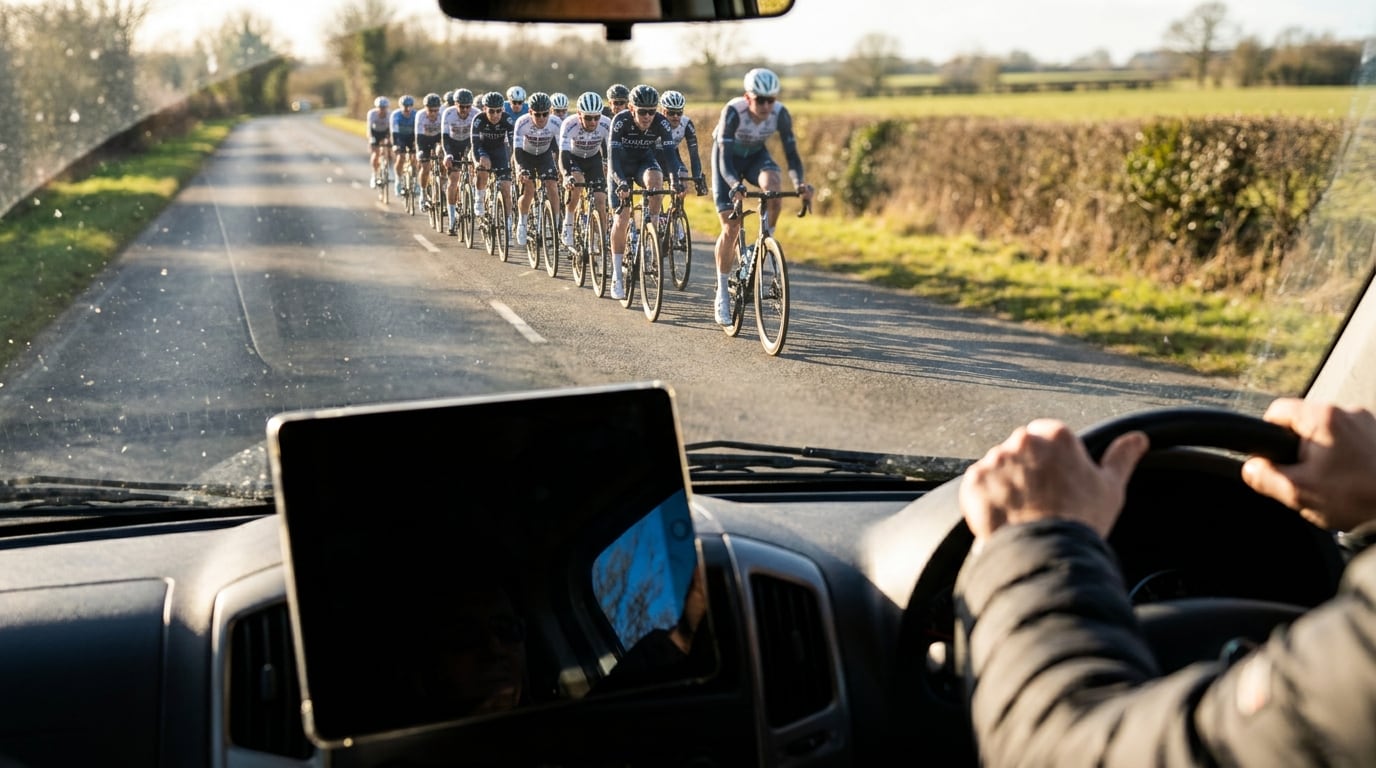
Club rides, training camps and sportives often have a car behind the group — spare wheels, bottles, somebody to stop the traffic when a rider goes down. Domestique Hub's escort mode puts that car on the same live ride as the riders: the driver sees where every rider is, who is on the front and who has been dropped, and the riders see the car behind them on the map.
Starting an escort
On the Live tab, slide the activity deck to Driver and tap Start drive, then join the group's ride like any rider would. On a tablet in a dashboard cradle, Driver is the outdoor session the app offers, next to the trainer and the treadmill. In a browser on a laptop it is called Start escort.
What the driver sees
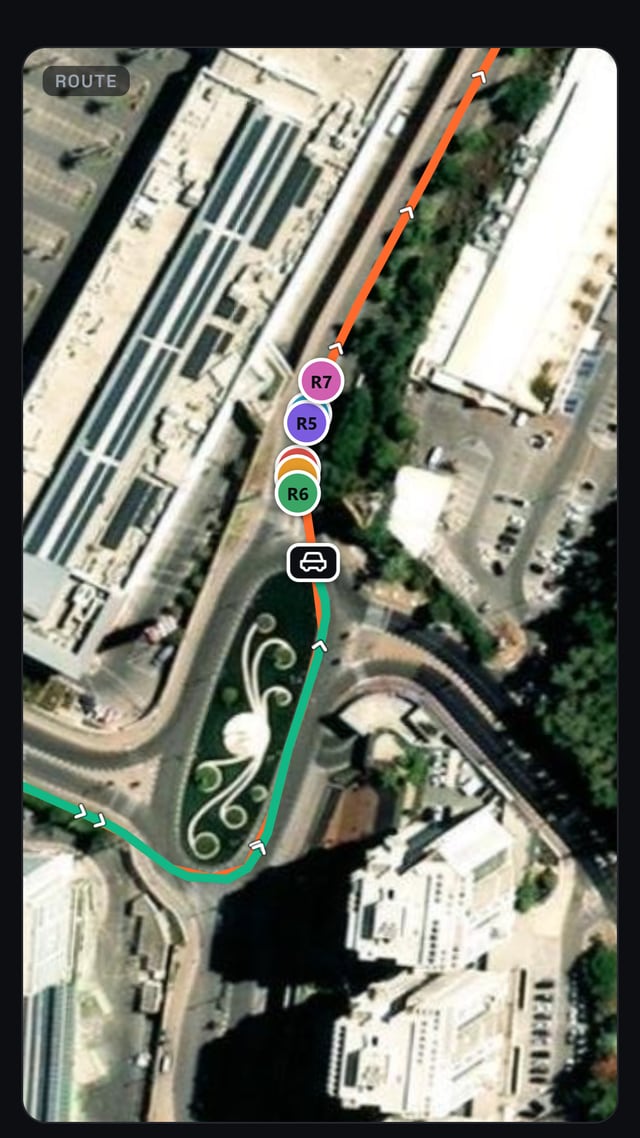
- Every rider on the map, and the car itself drawn as a car — on the driver's screen and on every rider's.
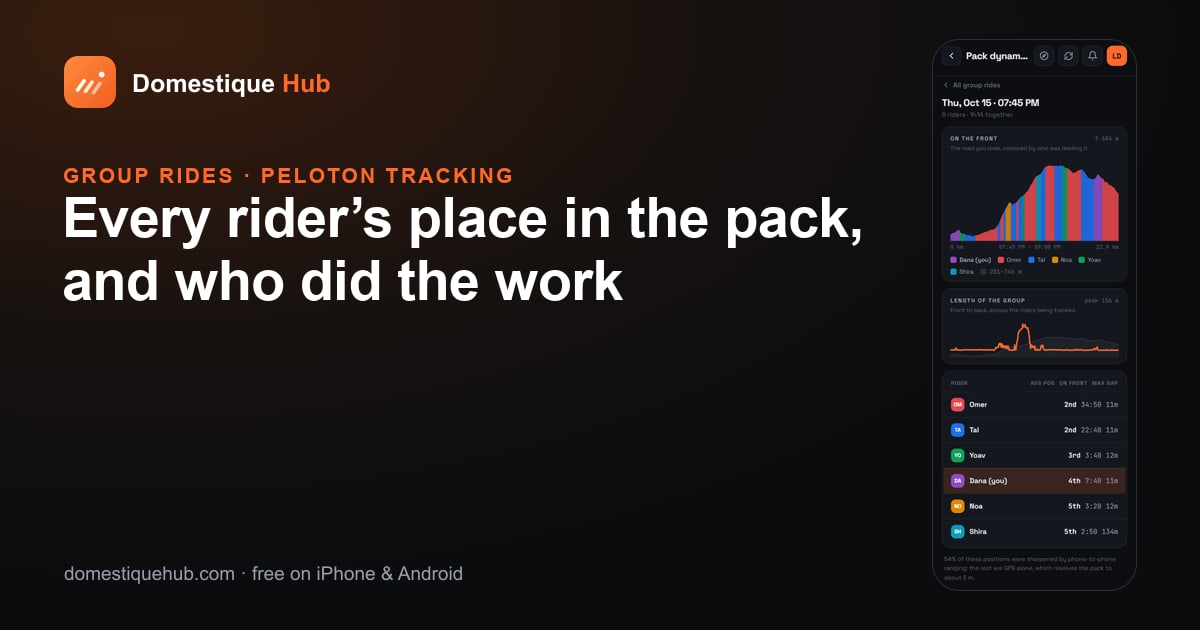
- The pack in order. The Peloton page lines the riders up front to back with the leader tagged, the length of the group in metres, and anyone who has been dropped pinned to the edge with how far behind they are. The driver can see the split before the riders do.
- Who is doing the work — the leader, and each rider's share of time on the front.
- The gap to the nearest rider, measured phone to phone over Bluetooth when the car is within range of the group (in the installed app).
- The car's own numbers — speed, distance, the road's gradient, the next turn on a followed course — and the driver's heart rate if they wear a strap.
Tracking effort from the car
On a laptop in the car, the browser version of the live screen adds a table of every rider: speed, heart rate and power, their gap, and the group's average speed, power and heart rate, updated every second. This is where a coach in the passenger seat watches who is on the limit. The phone and tablet screens show positions and gaps; per-rider power and heart rate are on the browser screen.
The car is never a rider
The car is on the ride, but it is kept out of everything that is about riding:
- It is never the leader, never in the pack order and never gets time on the front — a car sitting behind the group would otherwise be "last" on every chart.
- It is left out of the Pack dynamics report after the ride.
- A drive is not saved as an activity, so it never reaches the feed, the leaderboards, trophies or Strava.
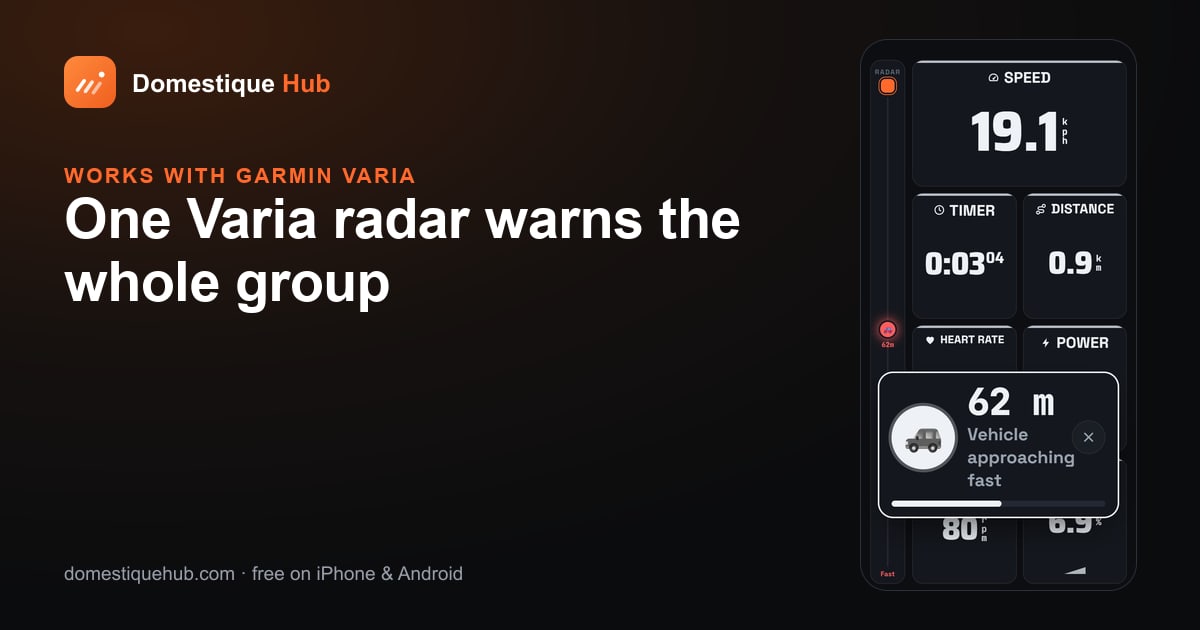
- There is no radar in the car. A Varia is a bicycle's sensor; the riders' radar warnings stay with the riders.
When a rider goes down
If a rider has crash detection on and the app detects a fall they do not cancel, the alert goes to everyone on the ride — the car included — with the rider's last position and a Navigate to location button. The driver can also drop a road hazard on the course for the riders behind.
Driving comes first. Set the screen up before you leave and let a passenger handle it on the road.
Getting started
- The ride leader starts the group ride from the Live tab; riders join from the lobby.
- In the car, choose Driver and join the same ride.
- Put the Peloton and Map pages on the driver's screen — or open the live screen in a browser on a laptop for per-rider power and heart rate.
Questions riders ask
- Can a support car follow a group ride in the app?
- Yes. In escort mode (Driver on the activity deck) the car joins the group’s live ride, sees every rider on the map and in pack order, and appears as a car on every rider’s map.
- Can the driver see riders’ power and heart rate?
- On a laptop, the browser version of the live screen shows each rider’s speed, heart rate, power and gap, and the group averages. The phone and tablet screens show positions, gaps and who has been dropped.
- Does the car count in the leaderboards or the pack order?
- No. The car is never the leader, never in the pack order or time on the front, and a drive is not saved as an activity.
- Does the car get crash alerts?
- Yes. A crash alert from a rider on the ride reaches the car with the rider’s last position and a Navigate to location button.